seating chart
Free Wedding Seating Chart Templates (and the Easier Option Most Brides Miss)
Free Wedding Seating Chart Templates (and the Easier Option Most Brides Miss)
The words "seating chart" appear on every wedding checklist. Nobody explains what format to actually use.
Take a deep breath. You have more free options than you think — and one of them is better than a template for most guest lists.
A wedding seating chart template is exactly what it sounds like: a pre-built file you fill in with your guest names and table assignments. It removes the blank-page problem. Instead of figuring out how to structure a seating chart from scratch, you open a file that already has the layout, the columns, and the format. You fill in the blanks and go.
This guide walks through the most common seating chart template formats, what to look for in a good one, and — honestly — when skipping the template entirely is the smarter call.
What a Seating Chart Template Actually Is
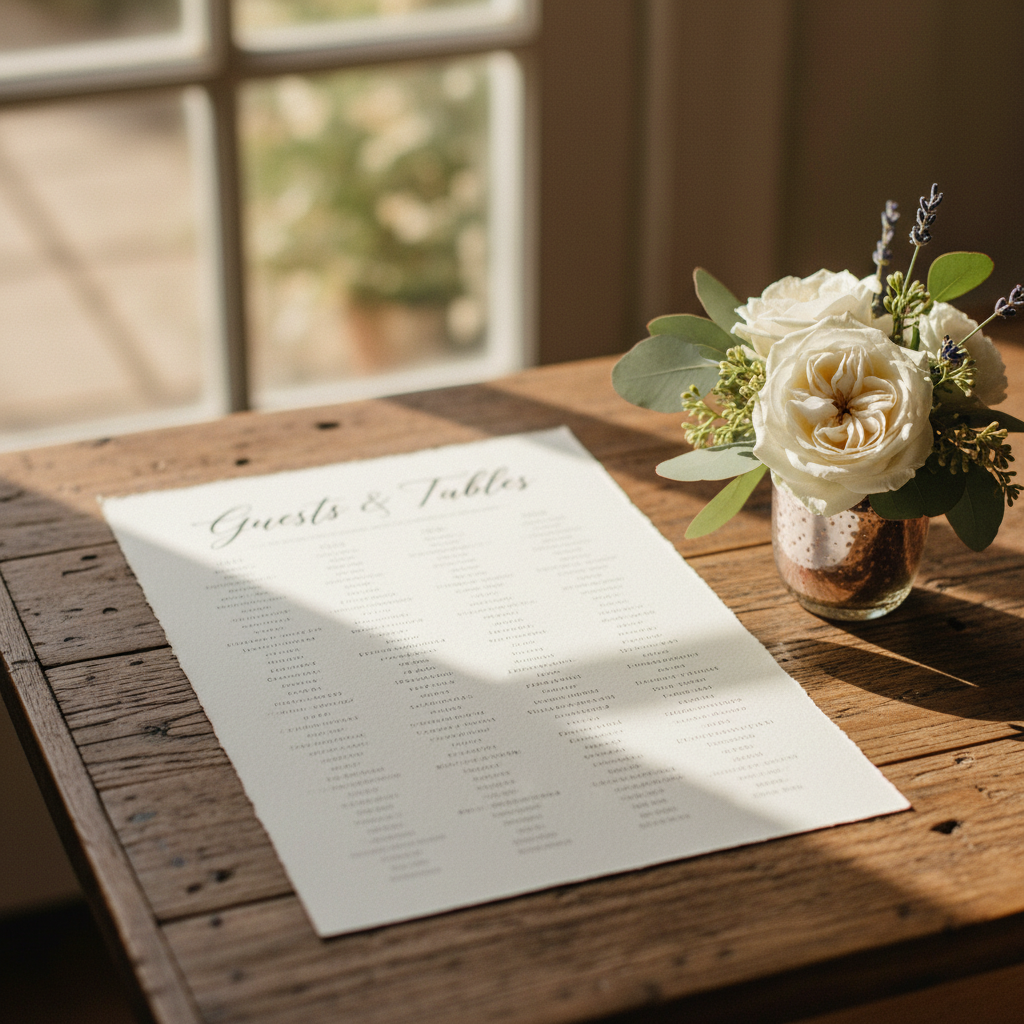
Let's clear something up, because people search for "seating chart template" wanting two different things.
A planning template is a spreadsheet — Excel, Google Sheets — that helps you organize which guest sits at which table. It is a logistics tool. It lives on your laptop and nobody at the wedding sees it.
A design template is a visual layout — Canva, PowerPoint, a PDF — that you customize with your guests' names and table numbers and print as the display board your guests see at the reception entrance.
Most couples need both at some point. The planning template helps you figure out the assignments. The design template turns those assignments into the day-of display. Knowing which one you need right now cuts the decision in half.
The Most Common Template Formats
Google Sheets or Excel
This is the planning workhorse. A simple spreadsheet with columns for guest name, table number, dietary restrictions, and RSVP status covers everything you need.
The benefit: free, editable by multiple people at once, and easy to sort alphabetically when you are ready to hand off the list to a printer or designer.
The limitation: it does not become a display board on its own. You will still need a separate step to design the physical or printed version.
Canva Templates
Canva has dozens of free wedding seating chart templates under their events category — genuinely well-designed options in a range of aesthetics. You pick a style, swap in your guest names and table numbers, and export a PDF for printing.
The benefit: you get a design-ready file without hiring a graphic designer.
The catch: entering 100-plus names into a Canva template by hand is genuinely tedious. And every time a guest cancels or a table assignment shifts, you are back in Canva making manual edits. It works well for small, stable guest lists. It becomes frustrating for anything larger.
Printable PDF Templates
Some stationery vendors offer flat PDF templates with blank fields you fill in by typing or hand-writing. These work well for very small weddings — 40 guests or fewer — or if you want something simple without a software learning curve.
PowerPoint or Google Slides
Similar to Canva in concept: a visual layout you edit directly. A bit less polished for wedding aesthetics than Canva, but completely functional if that is the software you are most comfortable with.
What Makes a Good Seating Chart Template
Not every template is built to hold up through the final weeks before your wedding. Here is what to look for before you commit to one.
Alphabetical by last name. The template should list guests A–Z. Sorting by table number makes sense to you. It makes no sense to a guest who does not know their table yet. Alphabetical is faster for everyone at cocktail hour.
Room for your actual table count. A template designed for 10 tables will not stretch gracefully to 18. Make sure the layout can accommodate your real wedding without ugly workarounds.
Legible font at print size. If you are designing a display board, the text needs to be readable from a few feet away — not just on screen. Decorative script fonts look beautiful as a thumbnail and become illegible in print. Opt for something clean at small sizes.
Room for late additions. Guest lists shift in the final two weeks. A good template — digital or otherwise — lets you add names and reassign tables without rebuilding the entire thing from scratch.
Step-by-Step: Filling In Your Seating Chart Template
Whether you use a spreadsheet, Canva, or a drag-and-drop tool, the process is the same.
Step 1 — List every confirmed guest alphabetically. Pull from your RSVP tracker. Last name, first name. Flag any dietary restrictions while you are at it.
Step 2 — Count your tables and their capacity. Get this number from your venue floor plan or your caterer. A table of 8 that holds 6 comfortably is a table of 6 for planning purposes.
Step 3 — Group guests into clusters before assigning tables. Immediate family together, extended family together, college friends together, work colleagues together. Grouping first makes the actual table assignment go much faster.
Step 4 — Assign each cluster to a table. Fill up tables with complete groups where possible. Mixed tables are fine — just avoid splitting tight-knit groups across three different tables.
Step 5 — Review for uncomfortable dynamics. The divorced parents situation. The ex who RSVP'd. Walk through each table with real eyes, not just names on a spreadsheet.
Step 6 — Export or finalize. Once assignments are locked, export your list in alphabetical order and send it to your designer or printer.
Free Options You Can Use Right Now
Our free seating chart tool at howardweddingrentals.com/seating-chart-tool does the planning and organizing work in one place. Add your tables, drag guests in, shift assignments as things change, and export a clean, print-ready list when you are done. It is free, and it works better than a static spreadsheet for any guest list above 60 or 70 people — because when your cousin cancels two days out, you drag her name out instead of hunting through rows and reformatting columns.
Canva has solid free wedding seating chart design templates for the display phase — once your assignments are already finalized.
Google Sheets with a straightforward table-number-and-guest-name structure is everything you need for the planning phase. No elaborate template required.
When a Template Is Not Enough
Templates are great for small, stable guest lists. They become frustrating when:
- Your guest count is above 80 or 100
- Table assignments are still shifting two weeks before the wedding
- You want to visualize the floor plan alongside the assignments
- Multiple people — you, your partner, your planner — need to work on it at the same time
In those situations, a drag-and-drop tool is worth using instead of or alongside a template. You can see the full room layout, move guests between tables without reformatting anything, and export the list when it is final. Keep your sanity intact and let the tool do the tracking.
From Template to Printed Display
Once your seating assignments are locked, you have one more step: getting the physical display made.
Your options are the same as any seating chart board format: DIY (design in Canva, print at a copy shop, mount yourself) or custom printed. If you would rather not spend time formatting and trimming, Howard Wedding Rentals prints custom seating chart foam boards — send your finalized guest list, we handle the design and printing. And if you also need name place cards for each table setting, we print those too.
The foam board format is lightweight, sharp-looking, and easy to transport to any venue.
FAQ
What is the best free wedding seating chart template? For planning and organizing guests, a Google Sheets template with columns for name, table number, and dietary notes is the most flexible free option. For the day-of display design, Canva has well-designed free templates. If you want planning and export in one place, the free seating chart tool at Howard Wedding Rentals handles both without the manual data entry.
How far in advance should I finalize my seating chart? Close your RSVP deadline at least three weeks before the wedding, then give yourself one to two weeks to finalize assignments. That leaves a buffer before your printing deadline to catch any last-minute changes — and there will be last-minute changes.
Can I use Excel for my wedding seating chart? Yes. Excel or Google Sheets works well for the planning and organizing phase. Once assignments are final, move to a design tool or a custom printer for the display. The spreadsheet is for logistics; the printed board is for your guests.
What is the difference between a table seating chart and individual place cards? A seating chart board at the entrance tells guests their table. Individual place cards at each seat tell guests their specific chair. Most couples use both — the board at the entrance, the place cards at the tables.
Your seating chart does not need to be a design project and a logistics puzzle at the same time. Handle the assignments with a free tool, handle the display with a template or a printer, and move on.
Start with the free seating chart tool — no account required, no learning curve. When you are ready to print, our shop has custom foam boards that arrive ready to display. Reach out if anything comes up along the way.